
Text messaging boasts open rates nearing 98%. Businesses rely on this channel to reach customers instantly with marketing alerts, appointment reminders, and security codes. Sending these messages manually works for a small handful of customers, but it quickly becomes impossible at scale. Automation is the only viable solution for growing companies.
By connecting your software directly to a messaging network, you unlock massive communication potential. Developers use application programming interfaces to bridge the gap between internal business systems and mobile carriers. This creates a seamless, instant flow of data from your servers straight to a user’s mobile phone.
Understanding SMS gateway API integration can transform your entire customer engagement strategy. This guide breaks down how the technology works, the primary benefits, and the exact steps required to set it up. You will learn how to automate your communications, secure your data, and scale your outreach efforts effectively.
Understanding the Mechanics of SMS APIs
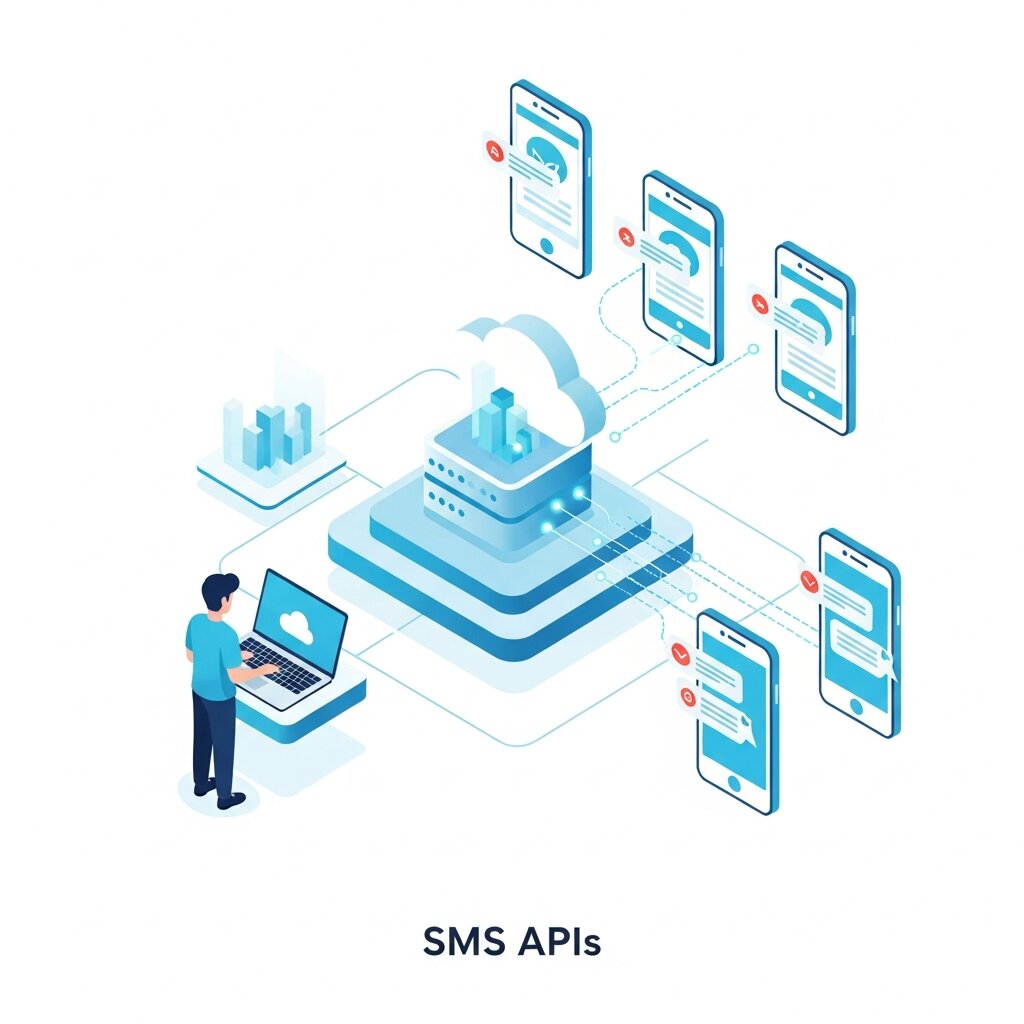
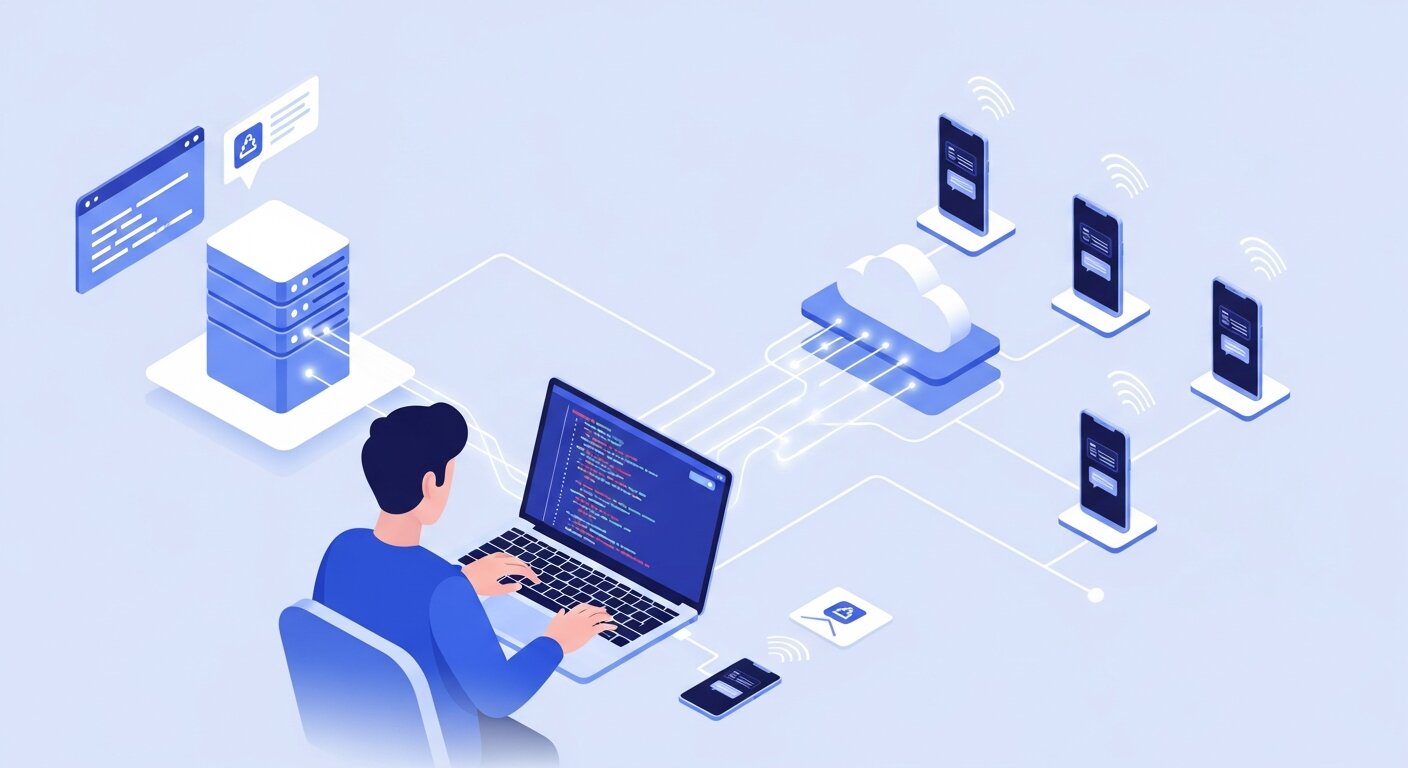
Before writing any code, it helps to understand the underlying infrastructure. A gateway acts as a translator between two different networks. In this context, it translates the HTTP requests sent by your application into the SMPP protocol used by mobile telecom networks.
The Role of the API
An application programming interface (API) gives your software a standardized set of instructions to communicate with the gateway. Instead of building complex telecom infrastructure from scratch, your developers simply send a structured request to the provider’s endpoint. The provider handles the complex routing required to reach the final destination.
The Journey of a Message
When a user triggers an event on your website, your application generates a payload containing the recipient’s phone number and the message body. Your system sends this data to the provider via the SMS gateway API integration. The provider receives the request, validates your credentials, and pushes the message to the appropriate mobile network operator. The operator then delivers the text to the user’s handset within seconds.
Key Benefits of SMS Gateway API Integration
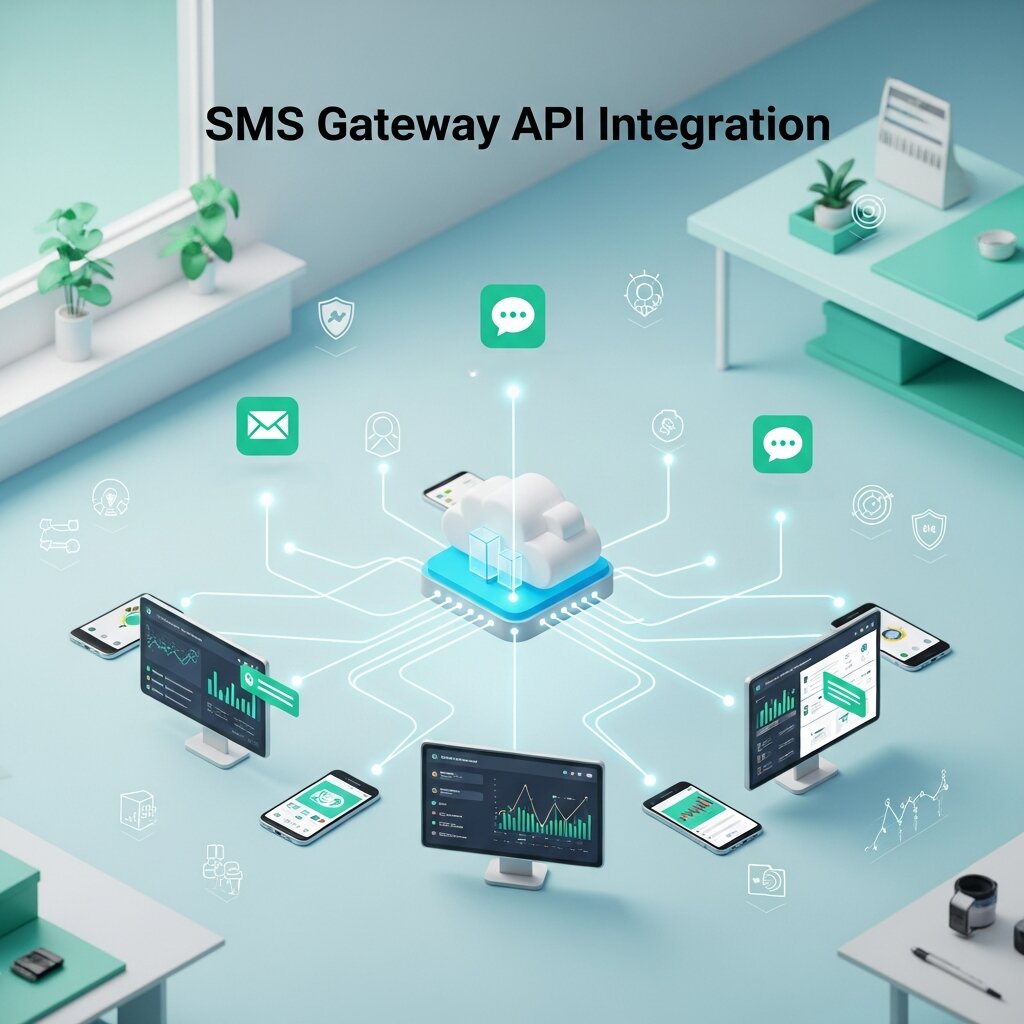
Connecting your applications directly to a messaging provider offers several distinct advantages over manual processes or third-party dashboard tools.
Automated Workflows
Manual data entry introduces human error and creates severe bottlenecks. API integration allows your systems to trigger messages automatically based on specific user actions. If a customer places an order, your e-commerce platform instantly fires off a confirmation text. This level of automation frees your staff to focus on higher-level strategic tasks.
Global Reach and Scalability
A reputable provider maintains direct connections with hundreds of telecom operators worldwide. You do not need to negotiate individual contracts with regional carriers. A single integration grants you the ability to send messages across borders. As your user base grows from one thousand to one million, the API infrastructure scales seamlessly to handle the increased volume.
Deep Analytics and Reporting
APIs offer bidirectional communication. You can send messages, and you can also receive delivery receipts and error codes in real-time. This feedback loop provides granular visibility into your campaign performance. You can track delivery rates, identify invalid phone numbers, and optimize your routing strategies based on hard data.
How to Set Up Your SMS Gateway API Integration

Implementing an SMS Gateway API Integration requires careful planning and a structured approach to ensure reliable message delivery, system security, and long-term scalability. A well-planned setup not only improves performance but also helps prevent errors, delivery failures, and compliance issues when sending messages at scale.
Step 1: Select a Reliable Provider
The first step is choosing a trusted SMS gateway provider that aligns with your business needs. You should evaluate providers based on factors such as network coverage, message delivery speed, pricing flexibility, and overall reliability. It is also important to check their security standards, uptime guarantees, and quality of customer support. Strong and clear API documentation is essential, as it ensures your development team can easily understand and implement the integration across different programming environments like Python, Node.js, PHP, or Java.
Step 2: Configure Authentication
Security plays a critical role when working with customer communication data. After registering with a provider, you will receive API keys or access tokens that authenticate your application. These credentials function like secure passwords that allow your system to communicate with the SMS gateway. It is important to store them safely using environment variables or secure vault systems, rather than embedding them directly in your source code. Proper key management helps prevent unauthorized access and protects sensitive user data.
Step 3: Write and Test the Code
Once authentication is in place, the next step is to build and test your integration using the provider’s SDKs or direct API calls. Most SMS gateway providers offer ready-made libraries that simplify development and reduce coding complexity. Begin by sending test messages to internal or verified numbers to ensure everything works correctly. During testing, verify message formatting, delivery speed, and receipt of status updates or delivery reports in your system to confirm proper functionality before going live.
Step 4: Monitor and Optimize
Real-World Applications for Your Business
Two-Factor Authentication (2FA)
Security breaches can cause serious financial and reputational damage to businesses, making strong authentication methods essential. Two-Factor Authentication (2FA) adds an extra layer of protection by requiring users to verify their identity beyond just a password. When a user logs in, the system generates a unique, time-sensitive code through the API and sends it directly to their mobile device. The user must then enter this code to complete the login process. This additional step significantly reduces the risk of unauthorized access, even if passwords are compromised, and helps strengthen overall account security.
Appointment Reminders
Many service-based businesses such as healthcare clinics, salons, and consulting firms lose valuable revenue due to missed appointments or no-shows. By using an automated SMS Gateway API Integration, businesses can send timely reminders to customers, typically 24 hours before their scheduled appointment. These messages can also include options for users to confirm, cancel, or reschedule directly via reply, which automatically updates the booking system. This not only reduces no-shows but also improves scheduling efficiency and enhances customer convenience.
Time-Sensitive Marketing
Frequently Asked Questions
What exactly is an SMS gateway API integration?
It is a software connection that allows your applications to send and receive text messages programmatically by interacting with a telecommunications provider’s infrastructure.
Do I need coding experience to set this up?
Yes, implementing an API requires basic programming knowledge. However, many providers offer comprehensive documentation and SDKs that make the process straightforward for developers.
How long does the integration process take?
An experienced developer can typically set up a basic connection and send a test message within a few hours. Building complex automated workflows and failure-handling mechanisms may take a few days.
Can I receive replies from customers?
Yes. Most API providers support two-way messaging. You configure a webhook url in your provider dashboard, and incoming messages are pushed directly to your server.
How much does it cost to use an SMS API?
Pricing is usually volume-based. You pay a fraction of a cent per message sent or received. Some providers also charge a monthly fee for dedicated phone numbers or short codes.
What is a sender ID?
A sender ID is the name or number that appears at the top of a text message on the recipient’s phone. Depending on local regulations, this can be a standard phone number, a short code, or an alphanumeric brand name.
Are there restrictions on what I can send?
Yes. Telecom carriers enforce strict rules against spam, illegal content, and deceptive practices. You must ensure users have explicitly opted in to receive messages from your business.
Can I send messages globally?
Yes, reputable gateway providers route messages to virtually any country. Be aware that messaging costs and regulatory requirements vary significantly from one region to another.
How secure is the API connection?
Data transmitted via API should always be encrypted using HTTPS. Reputable providers comply with data privacy laws like GDPR and SOC 2 to ensure consumer information remains protected.
What happens if a message fails to deliver?
The API will return an error code indicating the reason for the failure. Common reasons include invalid phone numbers, carrier filtering, or the recipient’s phone being disconnected. Your application can log these errors to automatically clean up your contact database.
Start Building Your Automated Messaging Strategy
Integrating messaging capabilities directly into your software gives you unparalleled control over how you engage with your audience. By automating routine communications, you reduce operational friction and create a more responsive customer experience.
Take time to review your current communication bottlenecks. Identify specific touchpoints where an instant notification could improve customer satisfaction or secure a transaction. Once you map out your ideal workflow, review the developer documentation of a few top-tier messaging providers to find the best fit for your technical stack.