
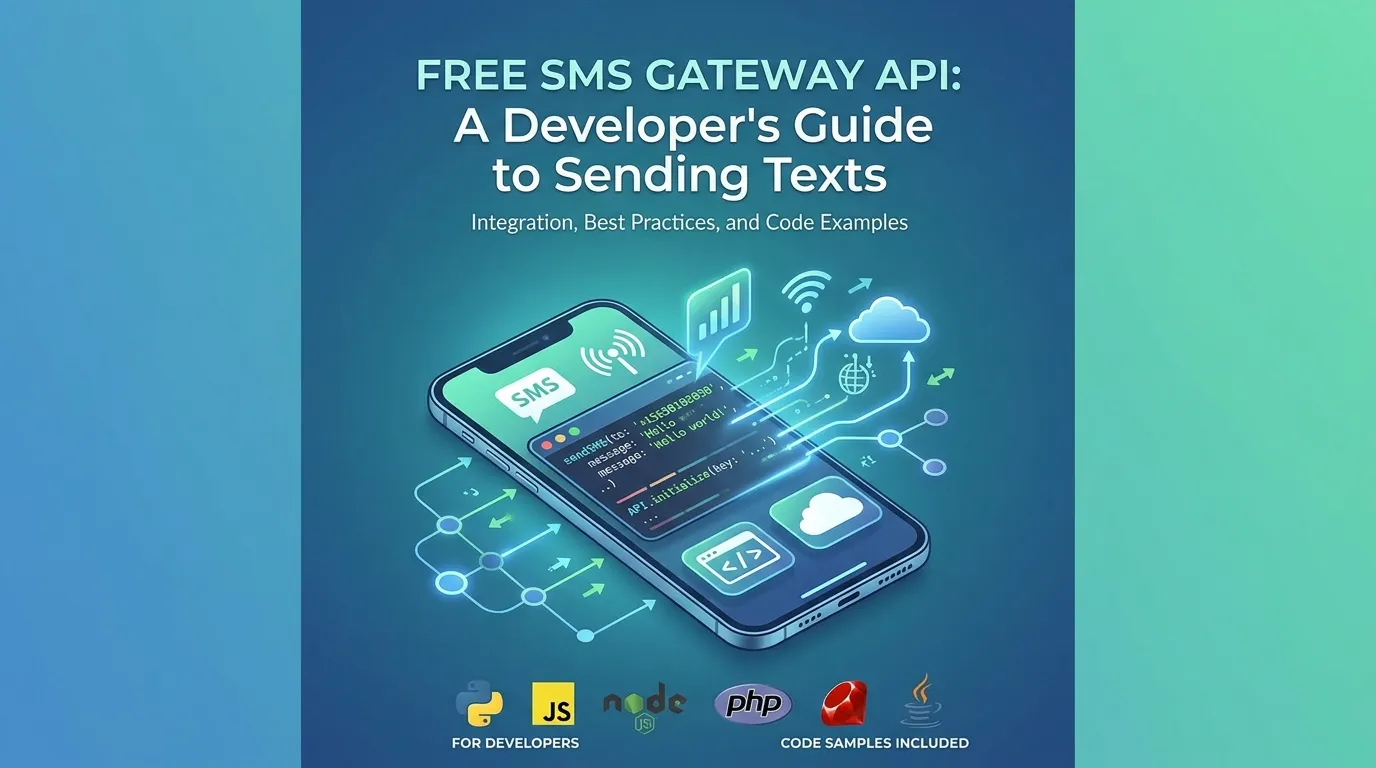
A free SMS gateway API lets developers send text messages through HTTP requests, usually with free trial credits or limited free plans. It is mainly used for OTPs, alerts, and testing messaging features. While useful for development and small projects, free APIs come with limitations and are not ideal for large-scale production use.
A free SMS gateway API lets developers send text messages programmatically through HTTP requests, usually via REST endpoints. Many providers offer free tiers or trial credits for testing OTP verification, notifications, and bulk messaging. The best option depends on your volume, region, and whether you need long-term free usage or just a sandbox to build and test.
Sending a text message from your code sounds simple—until you start comparing providers, pricing models, and deliverability rates. If you’re a developer building a login flow, an order-status alert, or a reminder system, you’ve probably searched for a way to send SMS without committing to a paid plan upfront.
This guide breaks down what a free SMS gateway API actually offers, how the technology works, and what to look for before you integrate one. You’ll learn the difference between truly free services and free trials, how REST APIs handle SMS, and which use cases—like OTP verification and bulk notifications—work best on free tiers. By the end, you’ll know how to pick a provider that fits your project without nasty surprises down the line.
What is a free SMS gateway API?
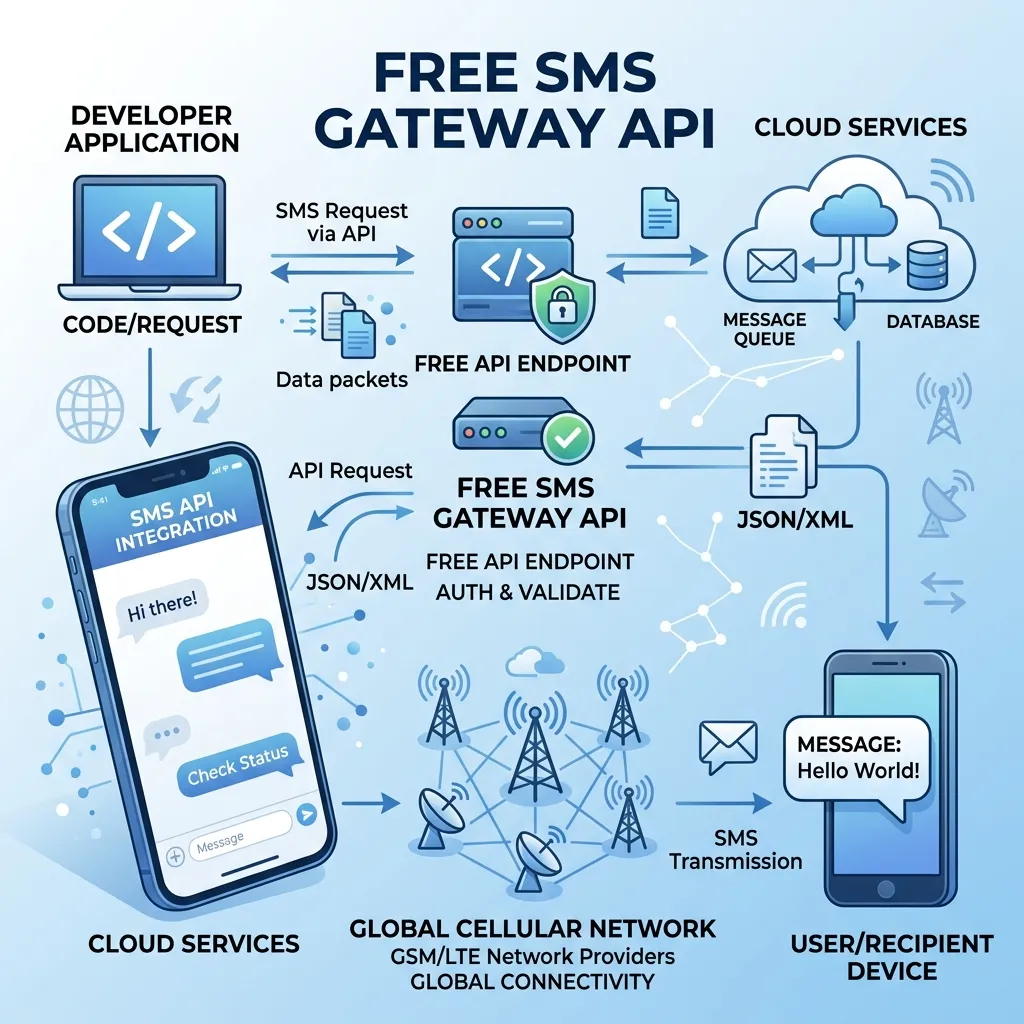
An SMS gateway API is a service that connects your application to mobile carrier networks, letting you send and receive text messages through code instead of a phone. The “gateway” handles the messy part: translating your HTTP request into a format carriers understand, then routing it to the recipient’s device.
A free SMS gateway API comes in two flavors, and the distinction matters:
- Free trial credits: Most major providers (think Twilio, Vonage, or MessageBird) give you a small balance—often $5 to $15—to test their service. Once you exhaust it, you pay per message.
- Free tiers or always-free plans: A smaller group of providers offer a limited number of messages per day or month at no cost, often with branding or rate limits attached.
Knowing which type you’re signing up for saves frustration. A free trial is great for building and testing. An always-free tier suits hobby projects or low-volume apps that send a handful of messages a day.
How does an SMS API work for developers?
At its core, an SMS gateway API for developers works through a simple request-response cycle. Your application sends an HTTP request to the provider’s endpoint, the provider processes it, and a text lands on someone’s phone seconds later.
Here’s the typical flow:
- Authenticate: You include an API key or token to prove your account is valid.
- Build the request: You specify the recipient’s number, your sender ID, and the message body.
- Send the request: You hit the provider’s endpoint with a POST request.
- Receive a response: The API returns a status—queued, sent, delivered, or failed—often with a message ID for tracking.
Most modern providers use a REST API for SMS messaging, which means you interact with predictable URLs using standard HTTP methods. A basic send might look like a POST to /messages with a JSON body containing the recipient and text. Because REST is language-agnostic, you can integrate it with Python, Node.js, PHP, Java, or just about anything that can make an HTTP call.
Why REST APIs dominate SMS messaging
REST has become the default for SMS messaging because it’s stateless, well-documented, and easy to debug. You can test endpoints with tools like cURL or Postman before writing a single line of production code. Responses come back in JSON, which nearly every framework parses out of the box. For developers who want to send SMS using an API for free during development, REST endpoints make the learning curve gentle.
What can you use a free SMS API for?
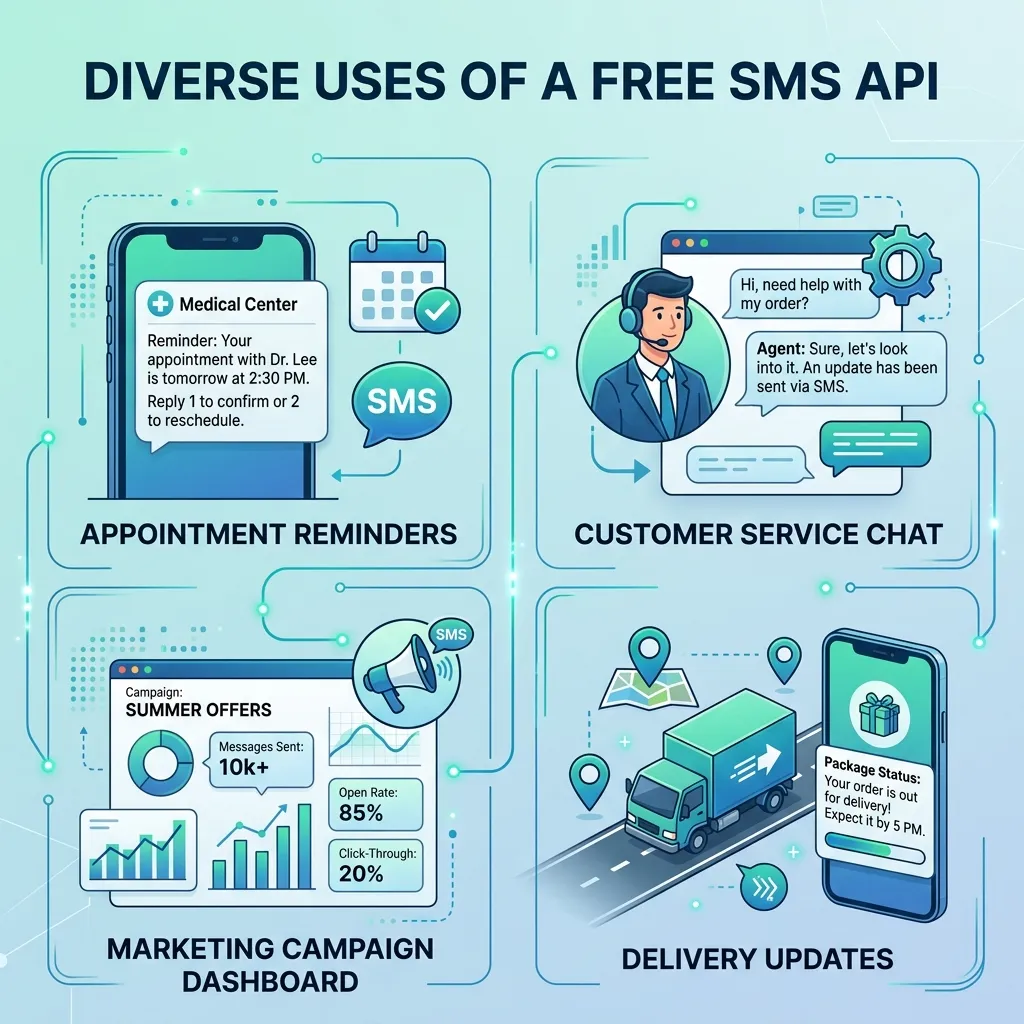
Free tiers and trial credits cover a surprising range of real-world use cases. Here are the most common ones developers reach for.
SMS API for OTP verification (free testing)
One-time passwords (OTPs) are the bread and butter of SMS APIs. When a user logs in or signs up, your app generates a code and sends it via text. The user enters the code to verify they own the number.
Free trial credits are ideal for building and testing OTP flows because you’re typically sending to your own test numbers during development. Just be aware: OTP delivery demands high reliability, so once you go live, you’ll likely need a paid plan or a dedicated verification service to guarantee codes arrive quickly.
Free bulk SMS API integration
Bulk messaging means sending the same (or personalized) message to many recipients at once—think appointment reminders, promotional alerts, or event updates. A free bulk SMS API integration lets you batch these sends through a single API call or a loop.
Free tiers usually cap how many messages you can send per day, which works for small campaigns or testing your batching logic. For large-scale bulk sending, you’ll need to budget for volume pricing.
SMS notification API for free usage
Transactional notifications—order confirmations, shipping updates, password-reset alerts—are perfect for an SMS notification API. These messages are time-sensitive and tied to user actions, so they tend to have high engagement.
If your app sends only a modest number of notifications, an always-free tier may cover you indefinitely. Higher volumes push you toward paid plans, but the per-message cost is often pennies.
Free SMS gateway for websites
Adding SMS to a website—contact-form alerts, booking confirmations, or two-factor authentication—usually means calling an SMS gateway API from your backend. A free SMS gateway for websites lets you prototype these features without upfront cost. Keep your API keys on the server side, never in client-side JavaScript, to avoid exposing them.
How to choose the best free SMS sending API
Not all free SMS APIs are created equal. When you’re comparing a free SMS API service provider, weigh these factors against your project’s needs.
Deliverability and carrier reach
A free message that never arrives is worthless. Check whether the provider supports the countries and carriers your users rely on. Some free tiers route through lower-priority channels, which can slow delivery. Choose a provider with strong carrier relationships if delivery speed matters more than cost.
Free tier limits and pricing transparency
Read the fine print. How many messages does the free tier include? Does it reset daily or monthly? What happens when you exceed it—does sending stop, or do you get charged automatically? A transparent cloud SMS gateway service API will spell out limits and overage rates clearly.
Documentation and SDKs
Good documentation can turn a two-day integration into a two-hour one. Look for providers with clear REST API references, code samples in your language, and official SDKs. Active community forums and responsive support are bonuses, especially when you hit an edge case.
Sender ID and customization
Some free tiers force a shared or generic sender ID, while paid plans let you use a branded alphanumeric sender or a dedicated number. If brand recognition matters for your messages, factor this in early.
Scalability
Your free project might grow. Pick a cloud SMS gateway service API that scales smoothly into paid tiers, so you won’t have to rip out your integration and start over when traffic spikes. The best free SMS sending API for you is often one whose paid plans you’d happily upgrade to later.
A simple integration walkthrough
To make this concrete, here’s the general shape of integrating a free SMS API into a backend app. The exact syntax varies by provider, but the pattern holds.
- Sign up and grab your credentials. Create an account and copy your API key (and account SID, if required).
- Install the SDK or set up an HTTP client. Many providers offer a package you can install via npm, pip, or Composer. You can also use a raw HTTP library.
- Store credentials securely. Use environment variables, never hard-coded strings in your repo.
- Write the send function. Construct a POST request to the messages endpoint with the recipient number, sender ID, and message body.
- Handle the response. Log the message ID and status. Build in retry logic for transient failures.
- Test with your own number. Confirm delivery before wiring it into your user-facing flows.
This same pattern works whether you’re sending an OTP, a notification, or a bulk batch—only the message content and recipient list change.
Common pitfalls to avoid
A few mistakes trip up developers new to SMS APIs:
- Exposing API keys client-side. Always send messages from your server, not the browser.
- Ignoring rate limits. Free tiers throttle requests. Build in queuing or backoff to avoid dropped messages.
- Skipping opt-in compliance. Laws like the TCPA in the US and GDPR in Europe require consent before texting users. Free or paid, compliance is non-negotiable.
- Hardcoding country codes. Always store and send numbers in E.164 format (e.g., +14155552671) for reliable international delivery.
- Assuming free means production-ready. Free tiers are excellent for building and testing, but verify deliverability guarantees before launch.
Choosing the right path for your project
A free SMS gateway API is one of the fastest ways to add text messaging to an application—whether you’re verifying users, sending reminders, or alerting customers to order updates. The key is matching the offering to your needs: use free trial credits to build and test, lean on always-free tiers for low-volume hobby projects, and plan your upgrade path before you scale.
Start by listing your must-haves—target countries, expected volume, and required features like OTP or bulk sending. Then test two or three providers against that list using their free tiers. Hands-on testing reveals deliverability and documentation quality far better than any feature comparison chart.
Once you’ve validated your integration, you’ll be ready to flip the switch from free testing to a production plan that grows with you.
Frequently asked questions
Is there a truly free SMS API with no credit card required?
A handful of providers offer free tiers or trial credits without requiring a credit card upfront, though availability changes often. Most major providers ask for a card to prevent abuse, even on free trials. Always check the current signup terms, since policies shift frequently.
Can I send OTP verification messages for free?
Yes, you can send OTP messages using free trial credits or a free tier, which is ideal during development and testing. For production OTP delivery, where speed and reliability are critical, a paid plan or dedicated verification API is strongly recommended.
What’s the difference between a free trial and a free tier?
A free trial gives you a one-time credit balance to test a service; once it’s used up, you pay per message. A free tier offers a recurring allowance—say, a set number of messages per day or month—at no cost, often with limitations like shared sender IDs or rate caps.
Which programming languages work with SMS gateway APIs?
Because most SMS gateway APIs use REST, they work with any language that can make HTTP requests—including Python, JavaScript (Node.js), PHP, Java, Ruby, C#, and Go. Many providers also offer official SDKs to simplify integration in popular languages.
How many free messages can I typically send?
Free allowances vary widely. Trial credits often translate to a few hundred test messages, while always-free tiers may cap you at a small daily limit. Check each provider’s documentation, as limits and overage policies differ significantly.
Are free SMS APIs reliable enough for production?
Free tiers are best suited for building, testing, and low-volume projects. For production apps that depend on fast, guaranteed delivery—especially for OTPs and time-sensitive alerts—upgrading to a paid plan with deliverability guarantees is the safer choice.